Playing a 3D MMORPG on a Chromebook
Chromebooks cannot install most PC games, but Pixel Pioneer 3D runs in Chrome on ChromeOS. Requirements, settings and tips for smooth MMORPG play.
Chromebooks are great for school and work, but most PC games cannot be installed on them. Because Pixel Pioneer 3D runs in the browser, you can play a full 3D MMORPG on ChromeOS with nothing to install.
Why so few MMORPGs run on Chromebook
Classic online games ship as Windows programs, and ChromeOS does not run Windows software. The usual workarounds, such as Linux containers, Android ports or cloud streaming, need extra setup, a fast connection or a powerful device. A browser game avoids all of that: if Chrome runs, the game can run.
How to start playing
- Make sure ChromeOS is up to date in Settings → About ChromeOS.
- Open pixelpioneer3d.com in Chrome and press Play.
- The launcher tests your graphics chip and picks WebGPU when it works, or WebGL2 otherwise. The first load downloads the game data once; later visits start faster.
What kind of Chromebook do you need?
Performance depends mostly on the graphics chip and memory:
- Best results: 8 GB of RAM and a recent Intel Core, AMD Ryzen or ARM processor, as found in many Chromebook Plus models.
- Playable: 4 GB models can load the game, but busy towns with many players may stutter.
Tips for smoother play
- Close other tabs, especially video and video calls, before you start.
- Plug in the charger; some Chromebooks slow down on battery.
- Check that Use graphics acceleration when available is turned on in Chrome's system settings.
- If you see a black screen, open pixelpioneer3d.com/?renderer=webgl to force the WebGL2 renderer.
What you can do in the game
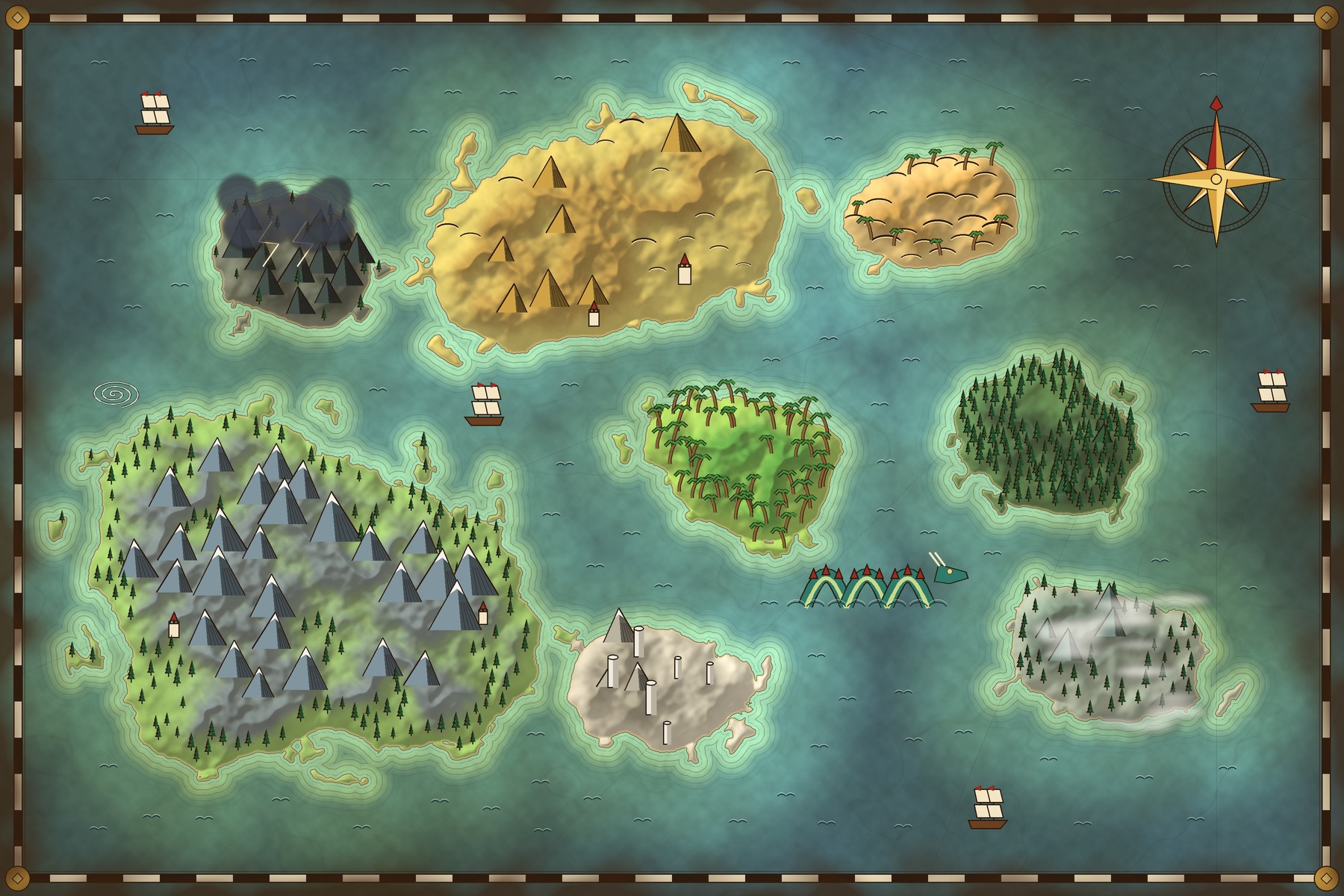
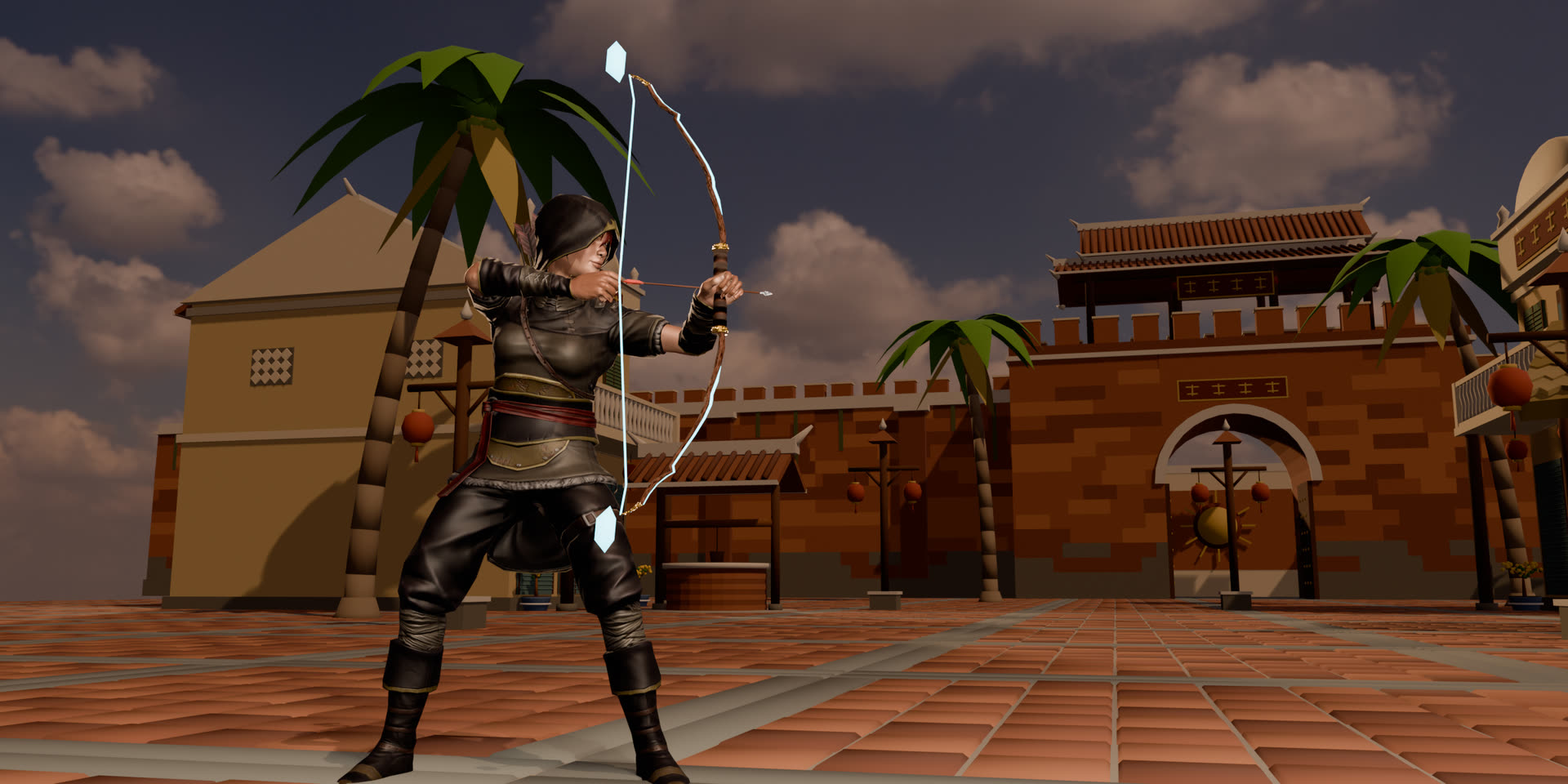
Chromebook players get the same game as everyone else: wash ashore in the Phu Giang Old Quarter, gather and craft, hunt with a bow, join one of the four martial arts sects and prepare for the Storm Campaign, a battlefield built for hundreds of players. Start with the beginner's guide, or read how the game picks a renderer in our article on WebGPU browser games.
Questions
Frequently asked questions
Do I need Linux or Android apps enabled on my Chromebook?
No. The game runs in the Chrome browser that every Chromebook already has. Nothing is installed and no developer mode is needed.
Will it run on a cheap Chromebook?
It depends on the graphics chip and memory. Chromebooks with 8 GB of RAM and a recent Intel, AMD or ARM processor give the best results; 4 GB models can load the game but may stutter in crowded towns.
Join the archipelago
Ready to step into the storm?
Download Pixel Pioneer 3D free for Windows, macOS, Linux and Android. One account, one shared world on every device.
- Windows
- macOS
- Linux
- Android
- iPhone & iPad· soon