WebGPU browser games: what changes, and how to play them
What WebGPU means for 3D browser games, which browsers support it, how to check your device and what happens when it is missing. A guide from an indie MMORPG.
WebGPU is the new graphics API of the web, and it is why 3D games in the browser are starting to look and run like installed games. Here is what it changes, how to tell whether your device supports it and what happens when it does not.
What is WebGPU?
WebGPU gives web pages modern, low-overhead access to your graphics card, in the same spirit as Vulkan, Metal and Direct3D 12. Its predecessor, WebGL, is based on much older OpenGL designs. For games, WebGPU means less work for the CPU on every frame, compute shaders for effects and simulation, and more objects on screen before the frame rate drops.
WebGPU vs WebGL for games
- Draw calls: WebGPU records rendering work in a way that costs less CPU time, which matters in crowded scenes such as a battle with many players.
- Compute: WebGPU has compute shaders; WebGL2 does not.
- Reach: WebGL2 still runs on more older devices and drivers, so it remains an important fallback.
Which browsers support WebGPU?
Chrome and Edge have shipped WebGPU on Windows, macOS and ChromeOS since 2023, recent Safari versions support it on Apple devices, and Firefox has been enabling it platform by platform. Support also depends on your graphics driver: a browser can report WebGPU but only offer a slow software adapter, or fail to create a device on older hardware.
How to check your device
- Update your browser and graphics drivers first; this fixes most problems.
- In Chrome or Edge, make sure Use graphics acceleration when available is on in the system settings, then open chrome://gpu and look for WebGPU: Hardware accelerated.
- Or simply press Play on pixelpioneer3d.com: the launcher runs the check for you.
What happens when WebGPU is missing?
A well-built WebGPU game should never show a black screen. When you press Play, Pixel Pioneer 3D asks the browser for a WebGPU adapter and tries to create a device. If WebGPU is missing, is a software fallback or fails during start-up, the game switches to WebGL2 automatically and remembers that choice for a week. You can also force a renderer with ?renderer=webgl or ?renderer=webgpu. The full story is in our devlog on building a WebGPU engine for a browser MMORPG.
What WebGPU makes possible
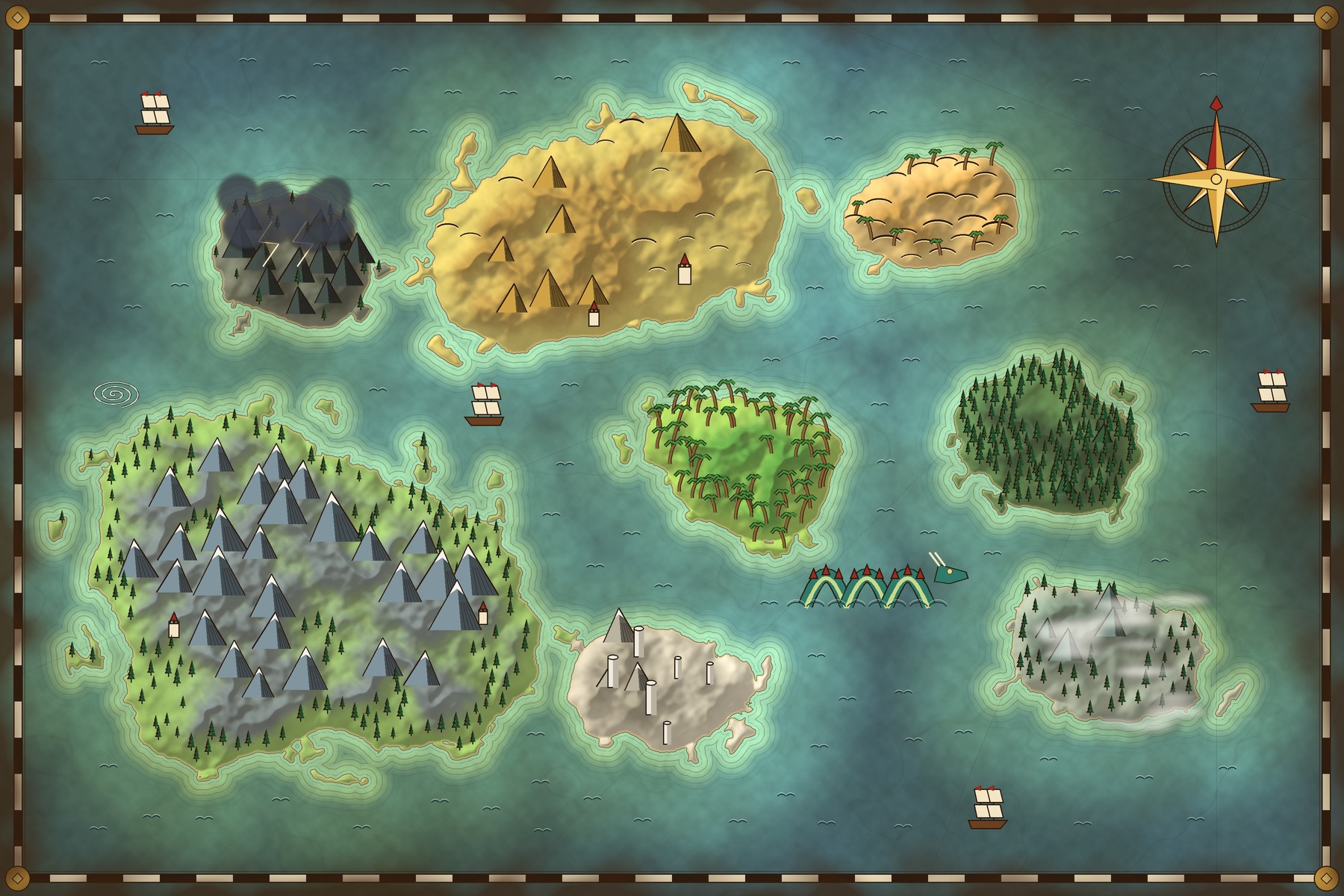
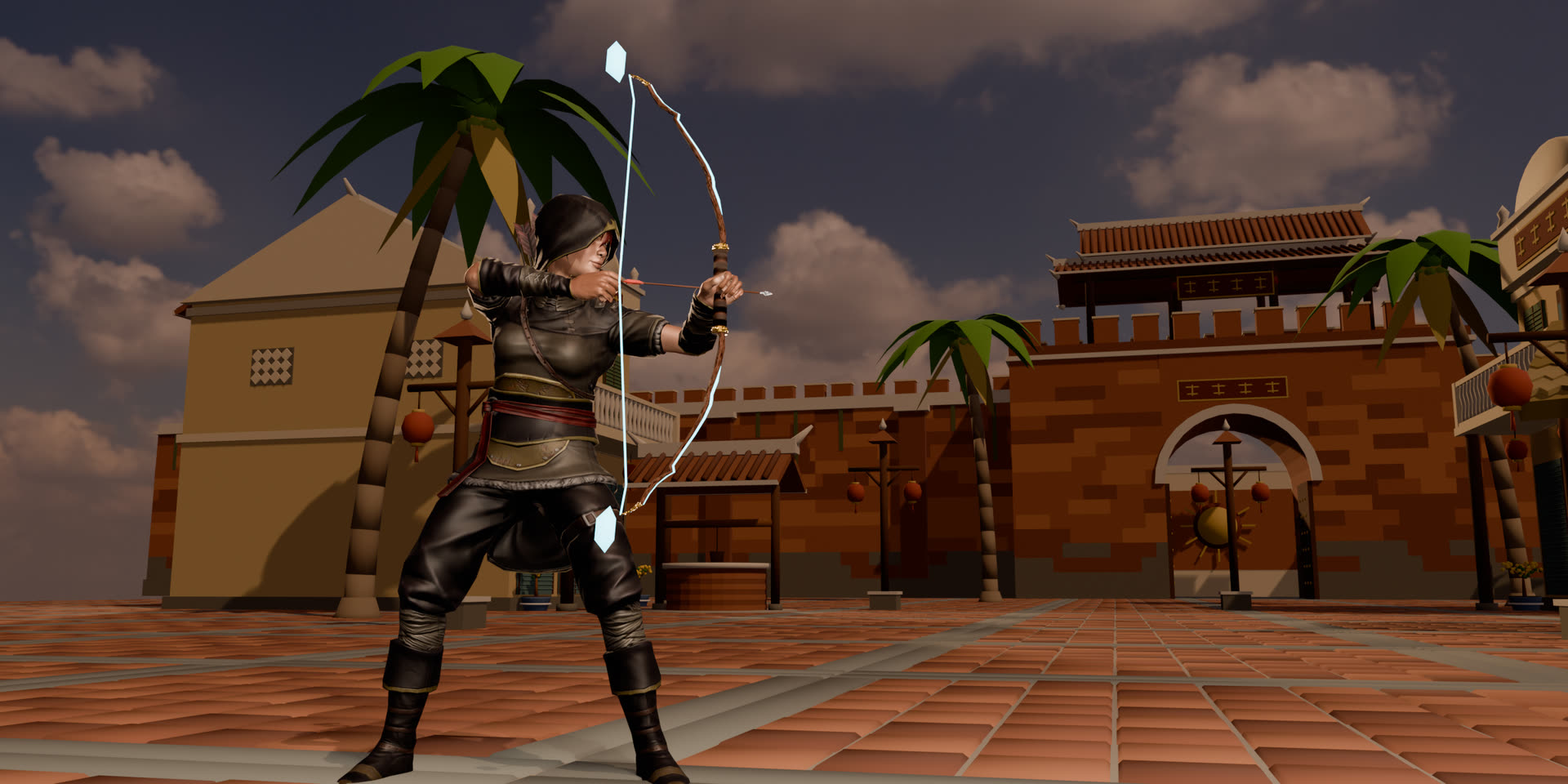
For us it makes a 3D wuxia MMORPG with open islands, weather and a battlefield for hundreds of players playable from a link. The same engine also runs natively on Mac, Windows, Linux and Android, and in Chrome on a Chromebook. Prefer an installed game? Download Pixel Pioneer 3D for free.
Join the archipelago
Ready to step into the storm?
Download Pixel Pioneer 3D free for Windows, macOS, Linux and Android. One account, one shared world on every device.
- Windows
- macOS
- Linux
- Android
- iPhone & iPad· soon